
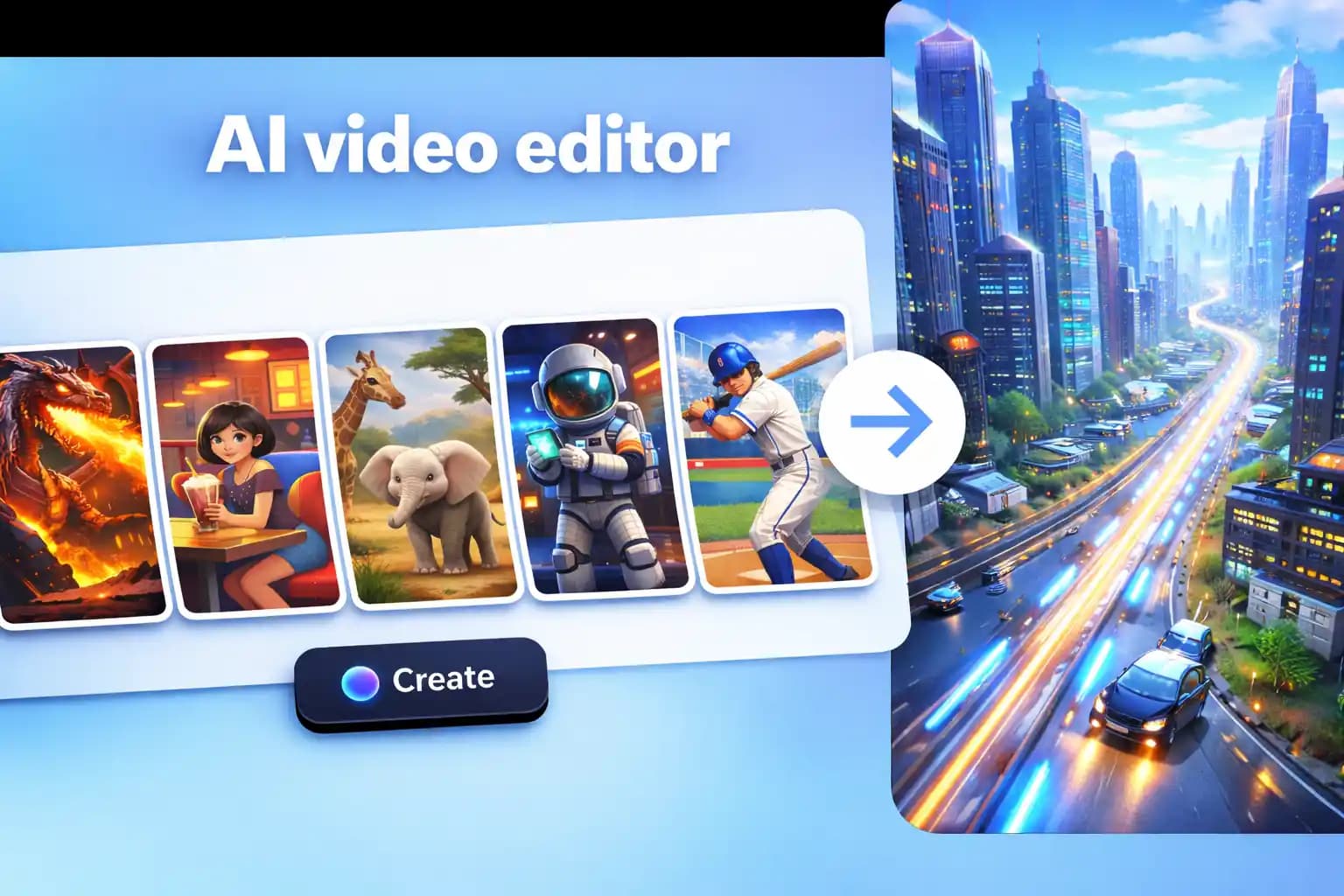
FireRed just open-sourced OpenStoryline, a conversational AI system that turns natural language into finished videos. It's a significant release — LangChain-based agents, beat-synced music, script style transfer, reusable workflow templates — and it proves that the "tell the AI what you want, get a video back" paradigm is no longer experimental.
We built Memories.ai's video editing suite around the same conviction. But we took a different path to get there. Here's how the two stack up.
What They Share
Both systems reject the traditional timeline-and-toolbar editing model. Instead of dragging clips around a timeline, you describe what you want in plain language and the AI handles the editing decisions.
Both can:
- Segment long videos into meaningful clips automatically
- Generate and refine scripts based on video content
- Match music, voiceover, and visual style to content mood
- Edit through conversation — swap clips, adjust pacing, refine details by asking
The core philosophy is identical: video editing should be a conversation, not a software skill.
Where They Differ
Setup and Access
This is the biggest practical difference.
FireRed-OpenStoryline requires local installation: Python 3.11+, FFmpeg, Conda, model downloads, resource packs, and API key configuration in config.toml. It runs on Linux, macOS, and Windows (with manual setup on Windows). Docker is available but still requires local resources.
Memories.ai runs entirely in your browser at memories.ai/app/video/clips. Sign up, upload a video, start editing. No installation. No environment setup. No dependency management.
If you're a developer comfortable with Python environments, OpenStoryline's local setup is fine. If you're a content creator, marketer, or someone who just wants to edit a video right now, the browser wins.
Video Understanding
This is where the approaches diverge architecturally.
Memories.ai is built on a Large Visual Memory Model (LVMM) — proprietary multimodal AI that actually watches and understands video content. It sees camera angles, lighting changes, emotional beats, composition patterns, and narrative structure. This isn't transcription or frame sampling; it's genuine visual comprehension at scale.
OpenStoryline relies on LangChain agents orchestrating external models and tools. It's powerful and flexible, but the video understanding layer depends on whichever models and APIs you configure. The system's intelligence is in the orchestration, not in a dedicated video perception model.
Scale
OpenStoryline processes videos locally, which means your hardware is the bottleneck. Long videos, batch processing, and high-resolution output all depend on your machine.
Memories.ai handles processing in the cloud. Upload a 5-hour livestream, extract every product highlight, generate scripts for each — the infrastructure scales with the workload, not your laptop.
Content Intelligence
Memories.ai goes beyond editing into content strategy:
- Live commerce highlight extraction — automatically find and clip high-conversion moments from hours of livestream footage
- Script mining — extract structured, shoot-ready scripts from existing videos with shot-level detail
- Multimodal search — query your entire video library with text, voice, or image
- Trend analysis — ask questions about patterns across your video content and get AI-powered answers
OpenStoryline focuses on the creation workflow: you describe what you want, it assembles the video. It's excellent at that single task but doesn't extend into video analytics or content intelligence.
Customization vs. Convenience
OpenStoryline is open source (Apache 2.0). You can fork it, modify the agents, swap out models, build custom skill templates, and integrate it into your own pipeline. For teams with engineering resources who want full control, this is a real advantage.
Memories.ai trades that customization for immediate usability. Enterprise clients get API access, on-device model deployment, and scenario-specific customization — but the core product is designed to work out of the box without touching code.
When to Use Which
Choose FireRed-OpenStoryline if you:
- Want to self-host and control the full pipeline
- Have engineering resources to maintain a Python environment
- Need to customize agent behavior or integrate with proprietary tools
- Are building a video production pipeline where control matters more than speed
Choose Memories.ai if you:
- Need to start editing immediately without setup
- Work with long-form video (livestreams, lectures, multi-hour content)
- Want content intelligence beyond basic editing — search, analytics, script extraction
- Need scalable batch processing without local hardware constraints
- Are a content team, marketer, or creator who isn't a developer
They're Complementary, Not Competing
The honest take: these tools solve overlapping but different problems.
OpenStoryline is a creative production tool — it helps you build new videos from raw materials through conversation. It's the open-source answer to "I want to make a product video and I don't want to learn Premiere."
Memories.ai is a video intelligence platform — it helps you understand, search, extract, and repurpose video content at scale, with editing as one capability within a larger system.
If you're sitting on hours of raw footage and need to extract the good parts, generate scripts, and create derivative content fast, start with Memories.ai. If you want to take those extracted clips and build something new with full control over every creative decision, OpenStoryline is worth exploring.
The future of video editing isn't one tool. It's AI that understands what you're saying and what you're looking at — and both of these projects are pushing that forward.
Read more

Best Meeting Transcription Software in 2026 (Tested & Compared)
We tested 8 meeting transcription tools head-to-head. Compare accuracy, AI summaries, pricing, and integrations to find the best fit for your team.
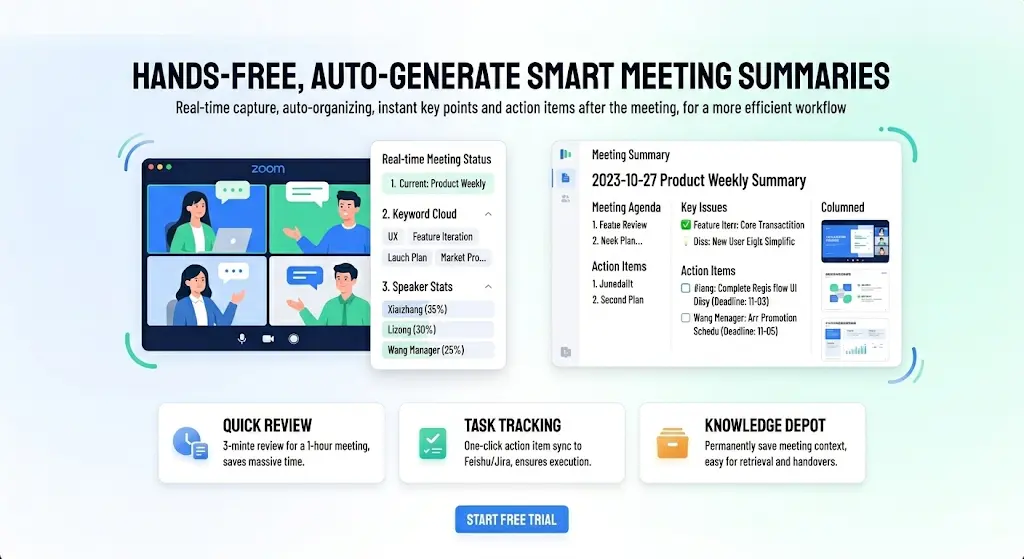
Best AI Note Taker for Zoom in 2026 — Auto Summary, Action Items & Smart Search
Compare the 6 best AI note takers for Zoom meetings. Get automatic transcription, summaries, and action items. See how they stack up on accuracy, features, and price.
How to Convert Video to Text with Visual Descriptions (2026 Guide)
In a world where 80% of internet traffic is video, text-only transcripts leave out half the story. This guide shows you how to use [Memories.ai](https://memories.ai/app) to convert video and audio into text that includes visual narratives, speaker recognition, and customized summaries.