What Is a Twitch Video Downloader?
A Twitch video downloader is a simple tool that lets you download Twitch videos from your favorite streamers so you can watch them anytime, anywhere. Instead of losing access when VODs expire, you can download Twitch streams, VODs and clips, and save them on your device for personal use. Many viewers have tried random tools they found by searching “download videos from Twitch” on Google, only to run into bugs, low quality, or confusing interfaces. A proper downloader for Twitch focuses on stability, clear options, and good performance.
With a reliable stream video downloader, you can save full VODs and clips in resolutions like 1080p, 720p, 480p, or 360p. This is helpful if you want high-quality files for editing or uploading highlights elsewhere, or smaller files for faster downloads. Some creators also run the files through a video compressor app later, but the first step is always a clean, stable Twitch video download without ads.
Why Download Twitch Streams, VODs, and Clips?
For Viewers and Fans
If you’re a regular viewer, a Twitch stream video downloader lets you:
- Save your favorite Twitch clips and full VODs from public channels
- Watch long streams offline, without buffering or ads
- Revisit big events, tournaments, or speedruns without worrying they’ll disappear
This is especially useful if you follow international streamers who broadcast in different languages or at odd hours. You can download Twitch VODs while you sleep and watch them later, skipping directly to the parts you care about.
For Streamers and Content Creators
For streamers and affiliated creators, a Twitch clip downloader or VOD downloader has even more benefits. You can:
- Download Twitch clips and full VODs for editing highlight reels
- Cut sections for uploading to other platforms like YouTube, Kick, or social media
- Convert Twitch videos into shorter formats, or even to speech-based content like podcasts
Having local copies of your own content means you’re not locked into a single platform. You can experiment with different names, thumbnails, formats, and channels across the internet to improve your reach and performance.
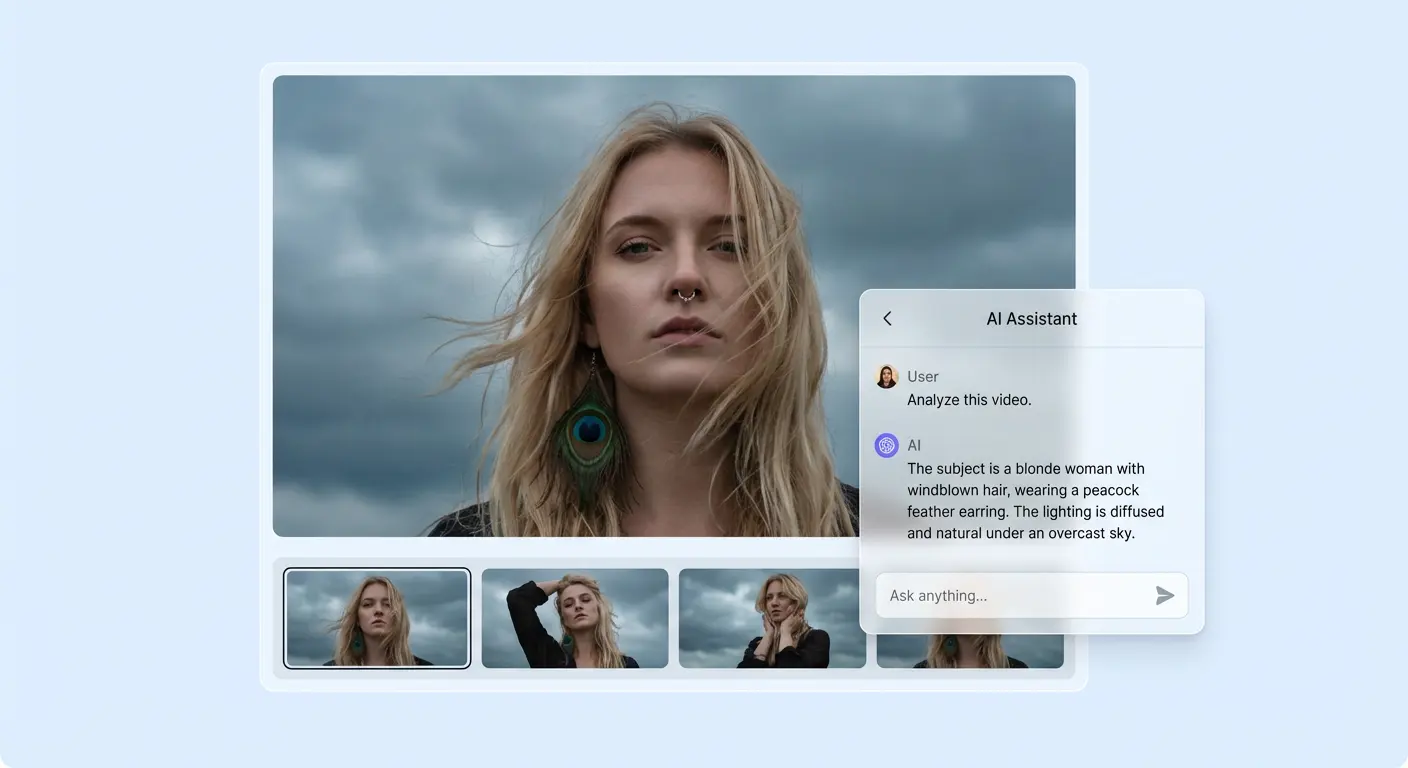
If you also want deeper insight into your saved streams, you can send exported files to an ai video analysis service to automatically analyze key moments, segments, and viewer-worthy highlights.
Things to Consider Before Downloading
Quality, Usage, and Legality
Most tools that download Twitch videos and clips give you a few clear options for quality—1080p, 720p, 480p, or 360p—so you can balance file size and clarity. Some services are entirely free Twitch video savers, while others offer premium features or faster speeds.
Always check the service privacy policy and make sure any downloader you use is transparent about how it handles data. And importantly, think about “is it legal” for your specific usage: generally, downloading is allowed only for personal, non-commercial purposes, or for creators saving their own public content. Respect intellectual property rights, Twitch’s terms, and each creator’s preferences when downloading videos from Twitch.